Slow down. Find a koala.
Give your mind a little room.
Cute koalas, colorful boards and satisfying little “aha!” moments. Rule out squares with logic and enjoy each discovery. Make a commute or coffee break a chance to slow down, focus and take on a gentle challenge.


How do you find the koalas?
Look for a small region
Every colored region holds one koala. Start with a region that has one square, or only one remaining candidate.
Mark its row and column
A row and column each hold one koala too. Mark the other squares in the placed koala’s row and column with ×.
Check the neighbors
Koalas cannot touch, even diagonally. Exclude their neighbors, then check which region now has one possible square.
The actual in-game tutorial.
Learn to tap, mark × and place koalas. Play each step yourself, or press Next to complete that step and follow the whole solution.
One tap: × · Double-tap: koala · Drag: mark several squares
Read the illustrated walkthrough →Small boards. Satisfying discoveries.
Start with small boards, work through more complex challenges, and use hints when stuck. Daily puzzles give you another reason to return.
Meet your next little puzzle.
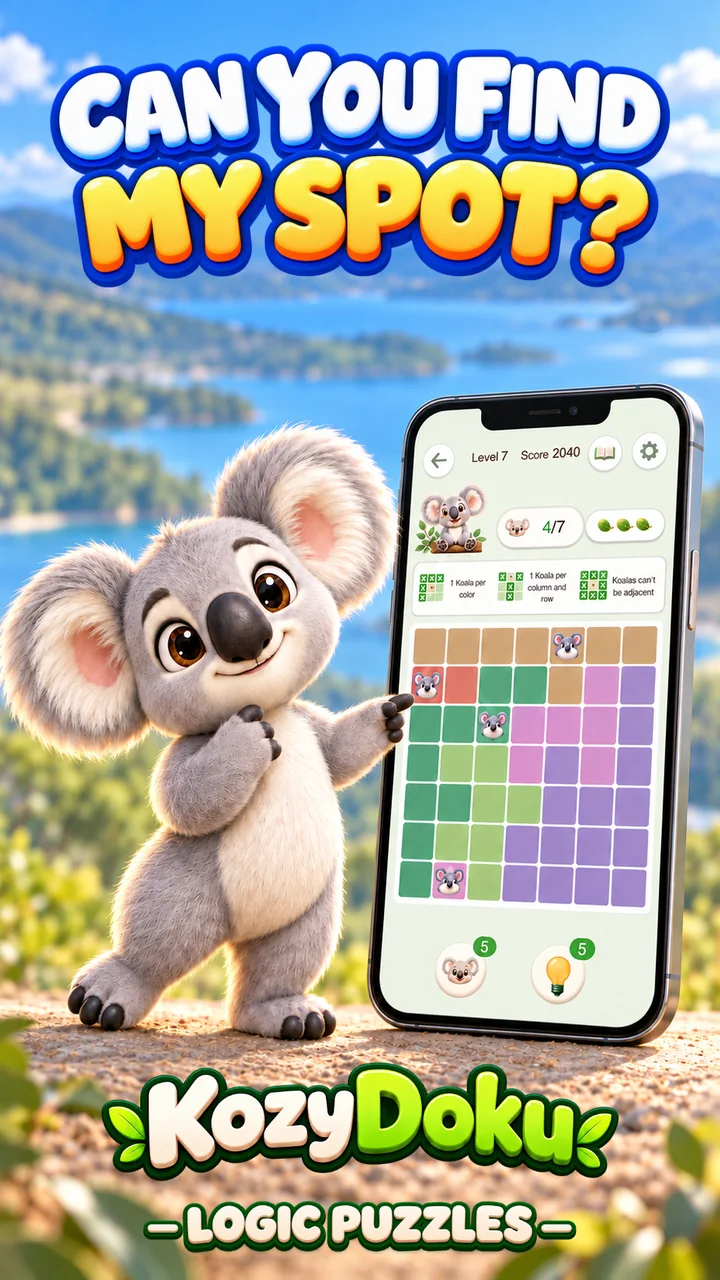
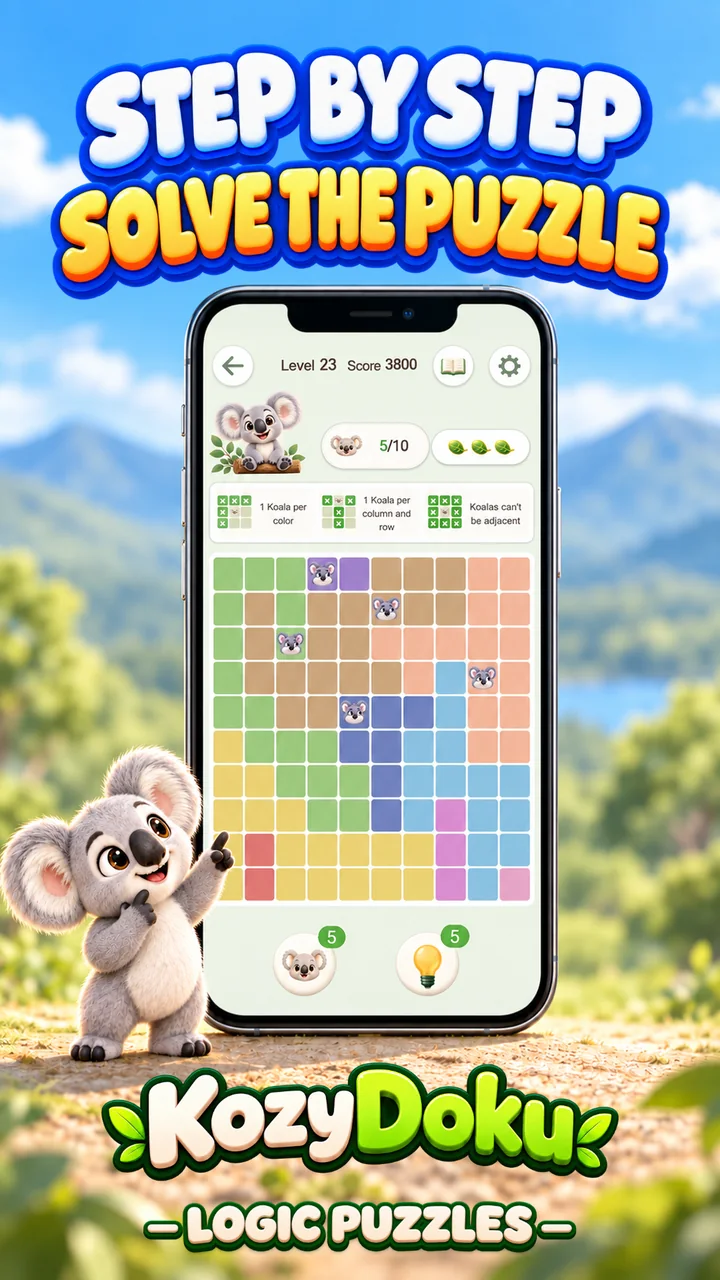
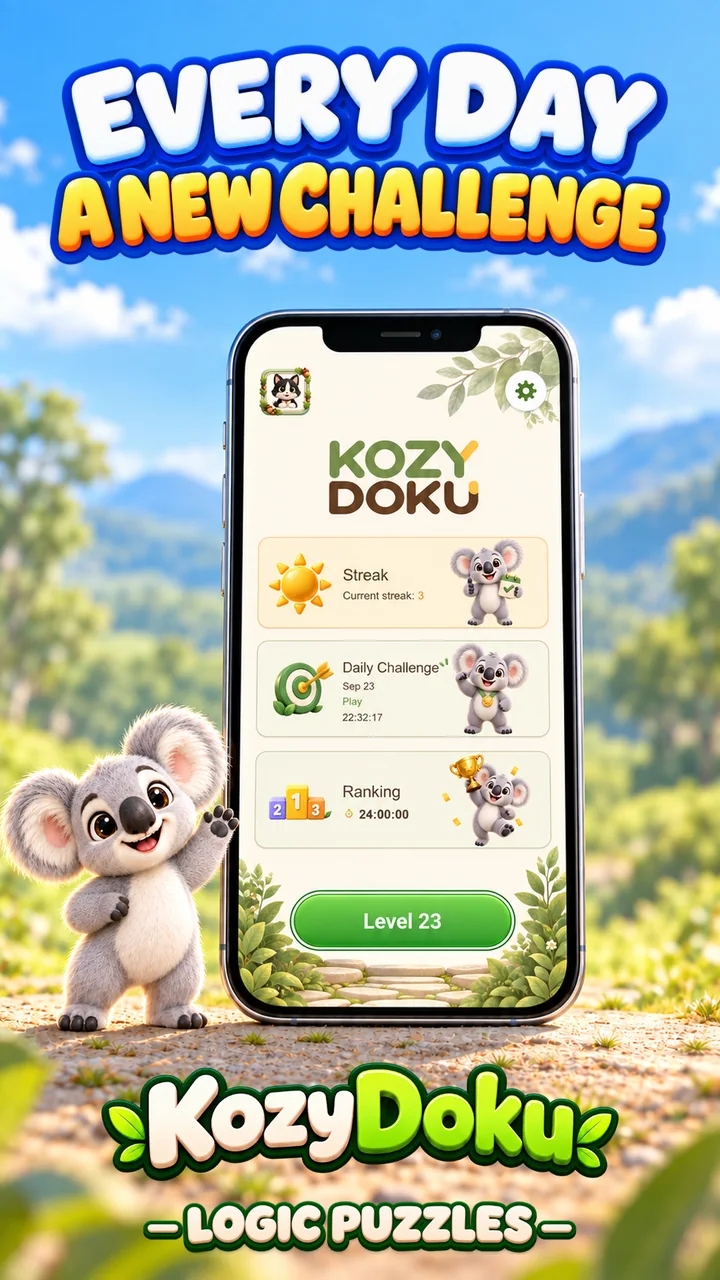
See the board. Understand the move.
All tutorials →English game screenshots, clear explanations, and walkthroughs from the first tutorial to larger boards.
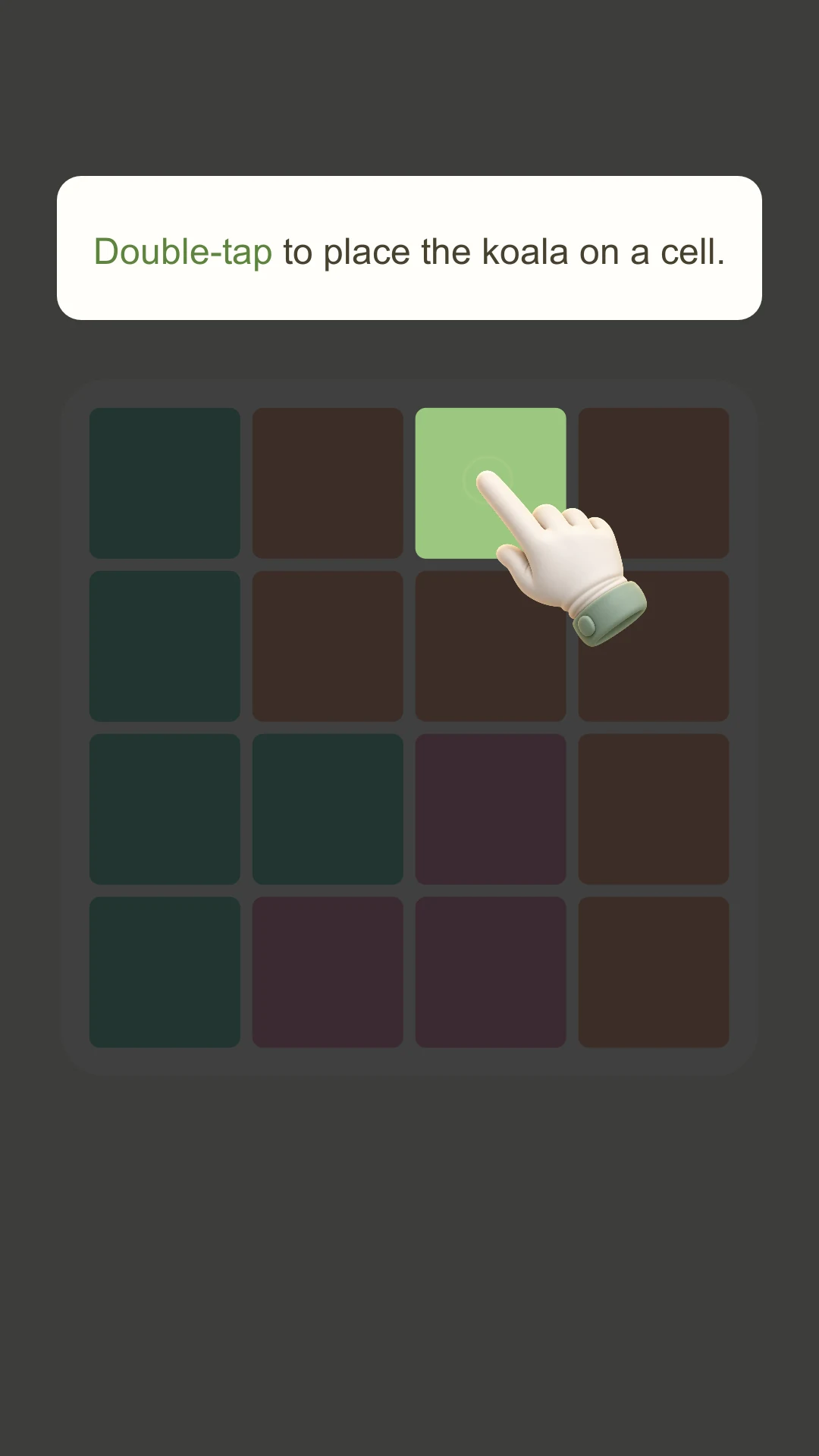
How to play KozyDoku: your first tap to a finished board
Play the actual 4×4 tutorial. Learn single taps, double taps and exclusions, then find all four koalas with a reason for every move.
Read the guide →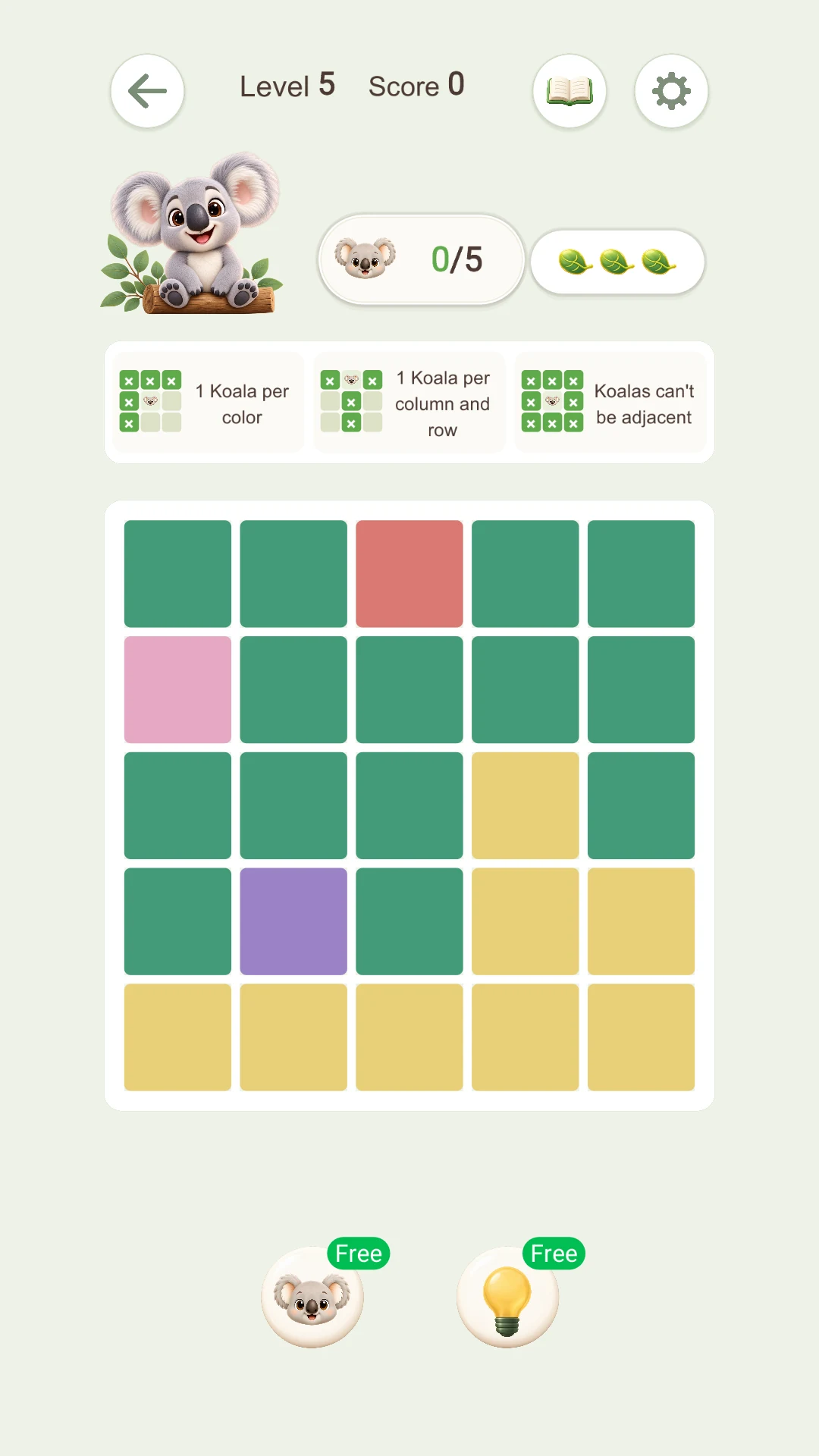
How to use tools: hints and koala locate
Know which help to choose: the bulb explains a deduction, while koala locate supplies a correct placement.
Read the guide →Your first 5×5 puzzle: start with single-square regions
Follow a real easy 5×5 board, using single-square regions, row and column exclusions, and diagonal checks to explain every placement.
Read the guide →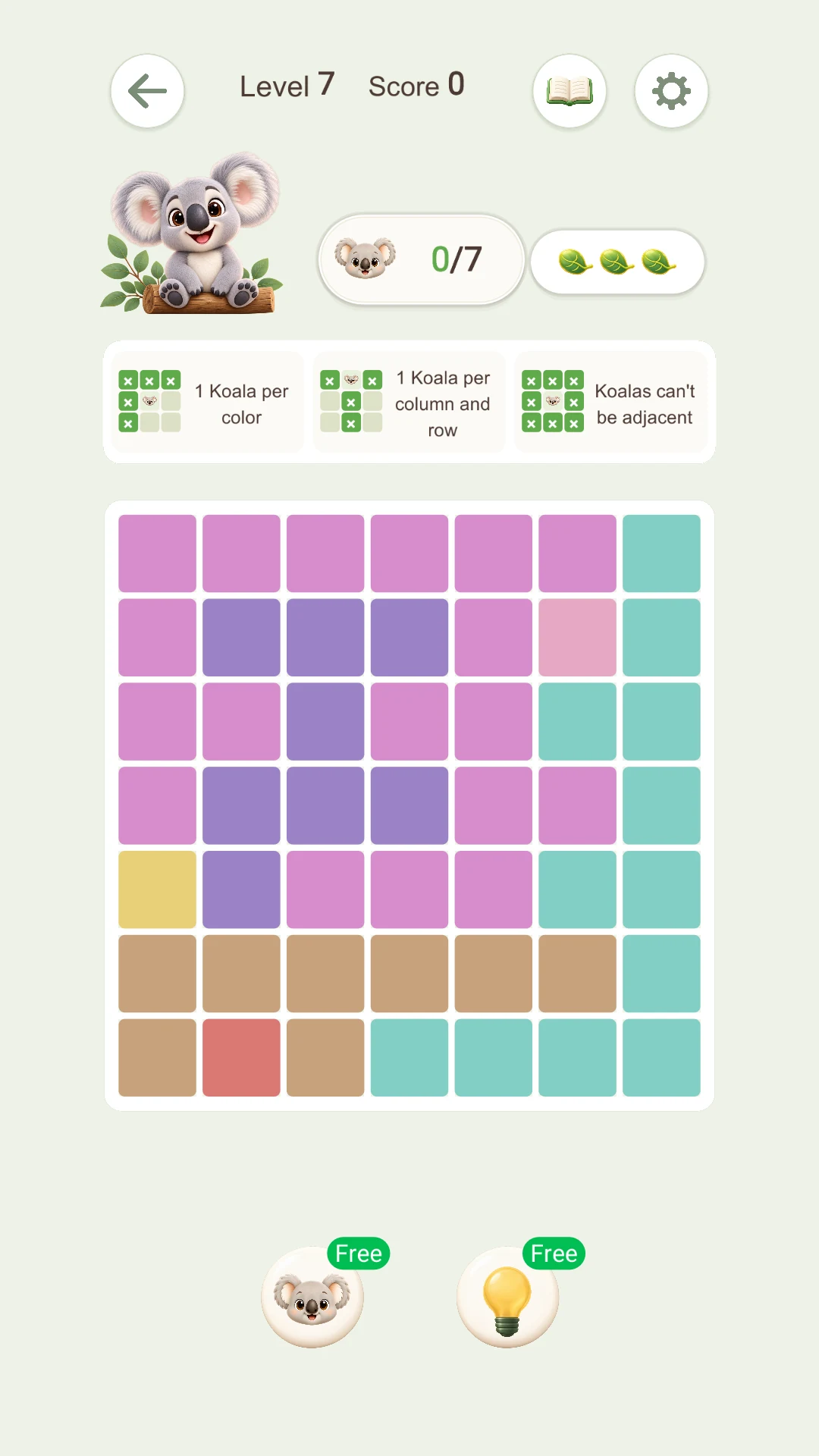
7×7 strategy: two candidates can still give a deduction
A real medium 7×7 puzzle shows how two candidates can lock a region and rule out other squares without guessing.
Read the guide →A few things you might be wondering.
What is KozyDoku?
A koala-themed logic puzzle. Find one koala in each row, column and color region, with no touching neighbors. Solve by eliminating candidates rather than filling numbers.
Where can I download it?
Open the App Store or Google Play badge on this website for availability in your region, supported OS versions and the current release. Try the guided tutorial on the website.
How do I mark a square or place a koala?
Tap once to mark X. Double tap the same square quickly to place a koala. Tap a marked square again to remove X, or hold and drag to mark several squares.
Do diagonal neighbors count?
Yes. Koalas cannot touch vertically, horizontally or diagonally. Check all eight neighboring squares.
Does every region, row and column need a koala?
Yes: exactly one in each color region, row and column. A placement must satisfy all three rules and the no-touching rule.
Can I undo an incorrect mark?
In normal play, tap an X again to clear it. A wrong double-tap placement costs a leaf life. Work through exclusions before placing a koala.
What is the difference between Hint and Locate?
The bulb explains a deduction that you can Apply. The koala tool places one missing koala correctly. Available uses and reward conditions are shown in the game.
Where should I start when I am stuck?
Look for a one-square region, then a row, column or region with one remaining candidate. After each placement, exclude its row, column, region and neighbors, then recheck the board.
Do I have to solve the web tutorial manually?
No. Next automatically completes the current step. You can also follow the instructions with taps, double taps and dragging, then replay the tutorial.
Do I need an internet connection?
Basic puzzle logic runs on your device. Downloads, updates, YouTube tutorials and ad rewards need a connection. An unavailable ad may prevent its reward.
Do I need an account?
The current game needs no registration. Start with the in-game tutorial. Illustrated guides and the web tutorial also work without signing in.
Will progress sync to a new phone?
Progress is primarily stored locally. There is no game-account cloud sync. Uninstalling, clearing data or changing devices can lose progress; check your device backup settings.
What if an ad reward is missing?
Check that the ad finished and returned to the game. A network interruption or missing completion confirmation can prevent a reward. Avoid repeated taps; contact support with your platform, time and reward type.
How do I change language, sound or reminders?
Use game Settings for available languages and sound. Disable notifications in your phone’s system settings. Use the website language menu to choose from the same 11 languages as the game.
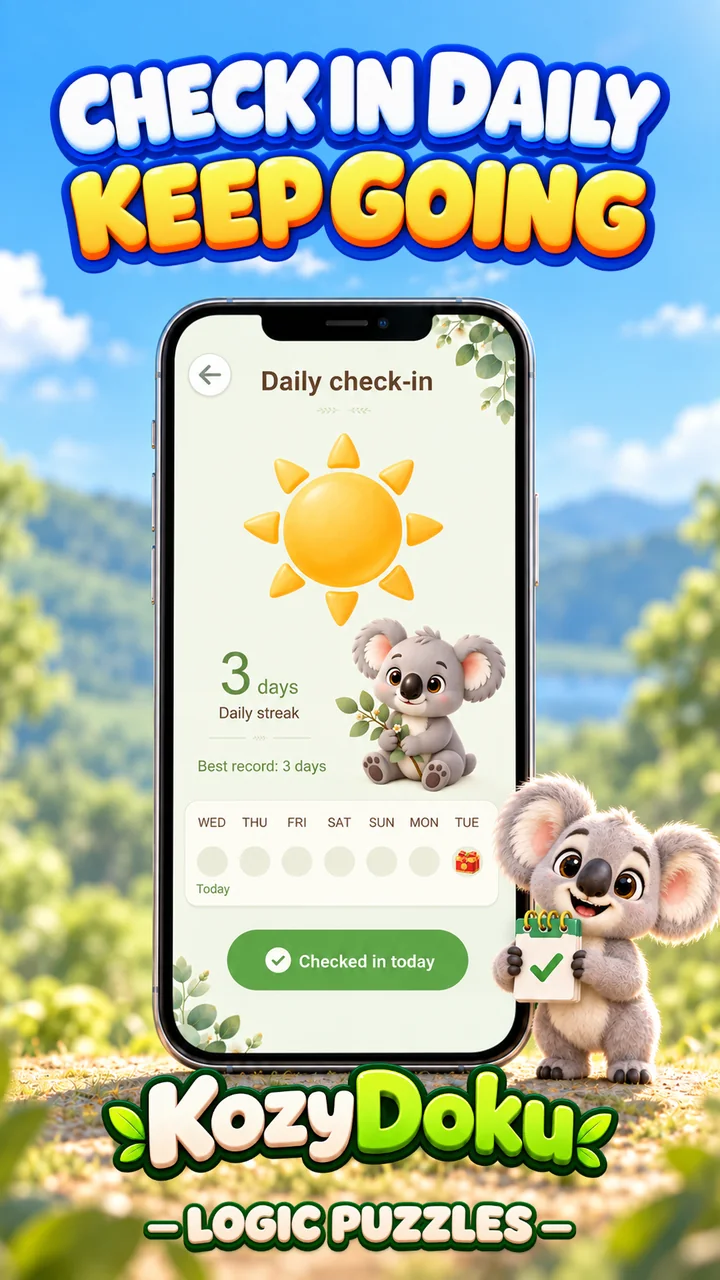
How do check-in and daily challenges differ?
Check-in records your play streak. Daily Challenge offers the day’s puzzle goal. Open the game home screen to see your record and available challenges.
What data is saved, and how can I request deletion?
The game stores progress and settings locally. Advertising and hosting providers process data needed for their services. Clear app data for local saves; email support@kozydoku.app about support correspondence we hold. See the Privacy Policy.
How do I report a crash or puzzle issue?
Email support@kozydoku.app with your device model, iOS/Android version, app version and level number. A screenshot helps us investigate. Do not send passwords or full payment details.
Your next “aha!” is waiting.
Find KozyDoku on your preferred app store and start with the first board.