
Choose the help you need
The two tools below the board do different jobs. The bulb is Hint; the koala portrait is Locate. Choose Hint to understand a deduction, or Locate to get one correct placement and move forward.
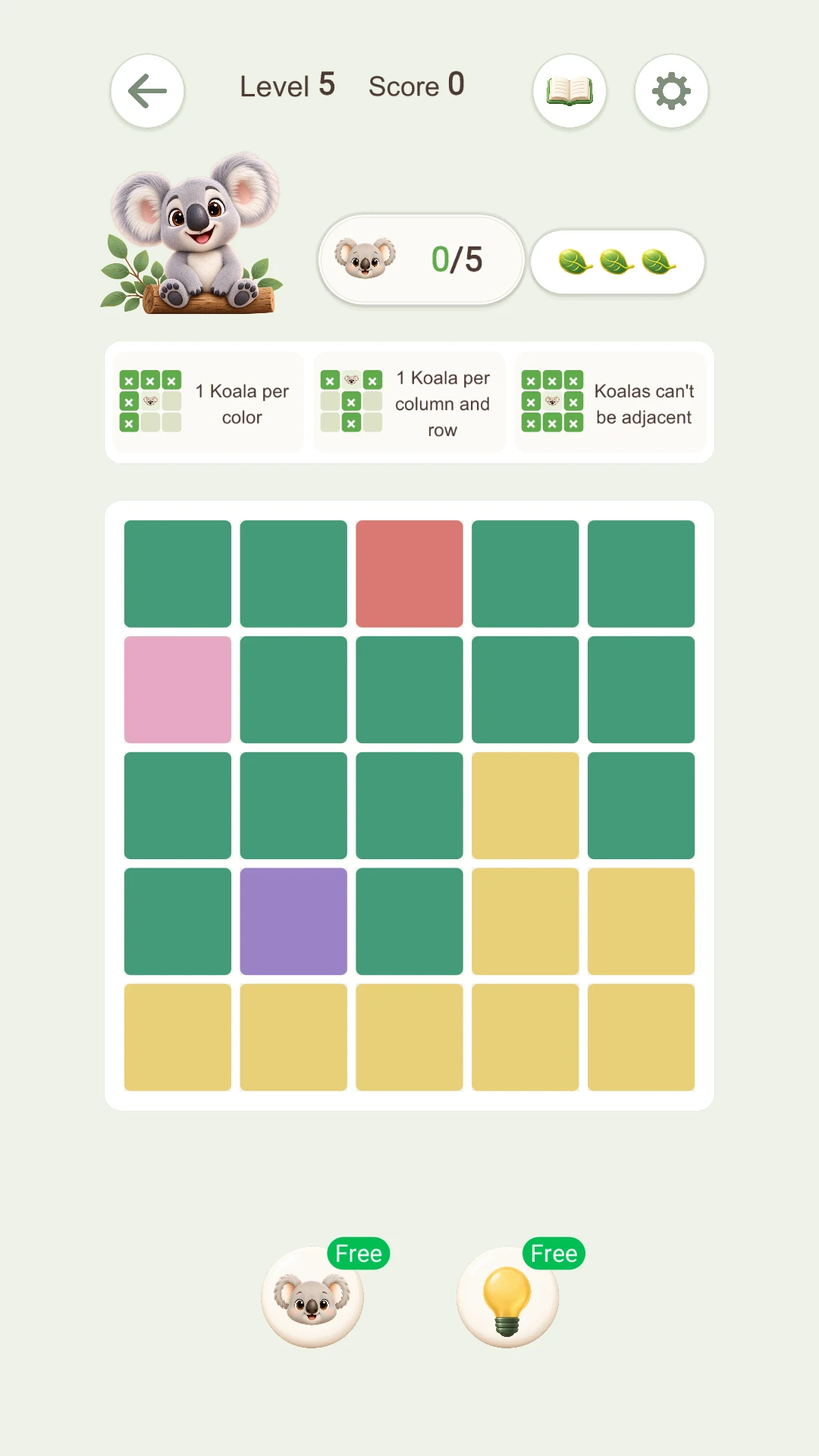
Figure 1: the koala and bulb buttons have different purposes.
1. Hint: understand, then apply
- Tap the bulb below the board.
- Read the explanation and inspect its highlighted candidates.
- Open the deduction steps if that option appears.
- Press Apply when you understand the move.
Applying a hint does not always place a koala. It may mark excluded squares or clear an incorrect mark. Learn the rule behind the action rather than memorizing one square.
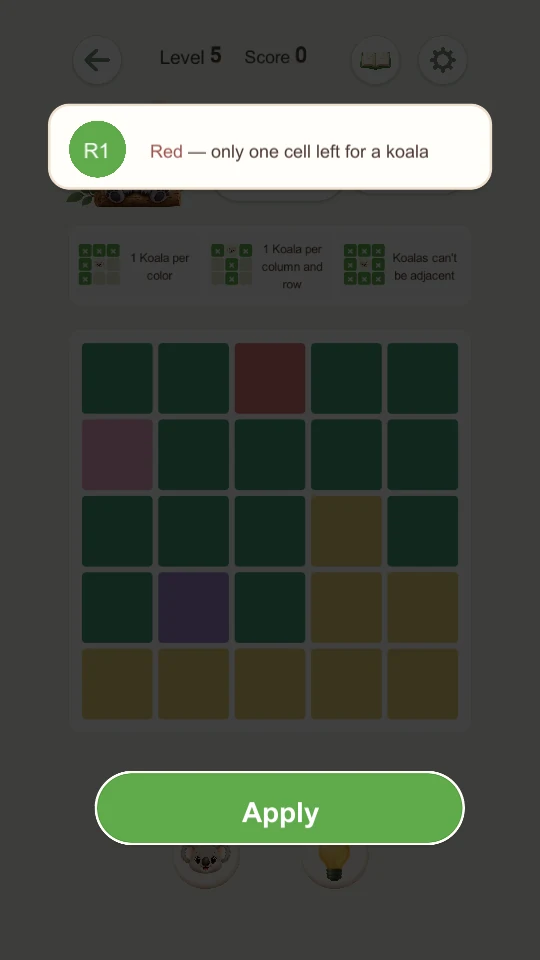
Figure 2: the hint explains that the red region has only one candidate. Press Apply to perform the move.
2. Locate: get one correct koala
Tap the koala portrait to place a missing koala in a correct square. Locate advances the board without first explaining the deduction like Hint does.
Afterward, exclude that koala’s region, row, column and neighbors. Recheck the remaining candidates before using another tool.
3. Counts and Free
The number beside a tool shows available uses. Free indicates the free state. If a tool is depleted, tapping it may open a reward flow. Follow its instructions and return to the board once the reward succeeds; opening the flow alone does not add a use.
Hint and Next in the web tutorial
The final lesson’s hint first excludes the aqua koala’s row, then the pink koala’s row, then guides the last placement. You can tap the highlighted squares or press Hint again to apply that hint.
Next completes the current web lesson and advances. Watch the entire tutorial using only Next, or solve any step yourself.
Try the guided tutorial or watch its complete video.